
Create a SariMall Account
Note: Always make sure all your personal information is legitimate, correct, updated, and accurate. Do not use other people's information, as identity theft is punishable by law.
To create a SariMall account, follow the steps below:
1. Search SariMall in the Google Play Store (Android).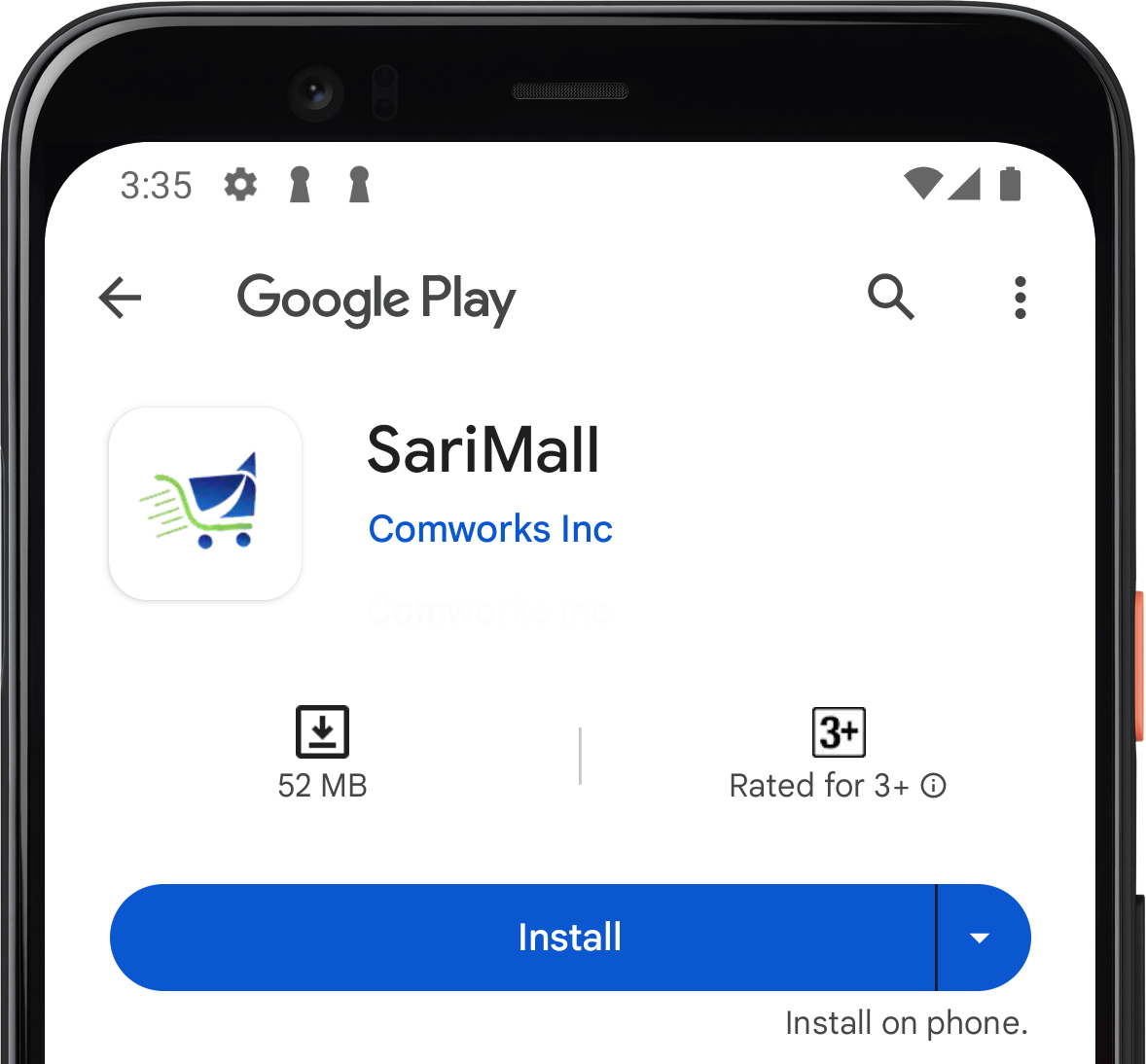
2. Download and Install SariMall.
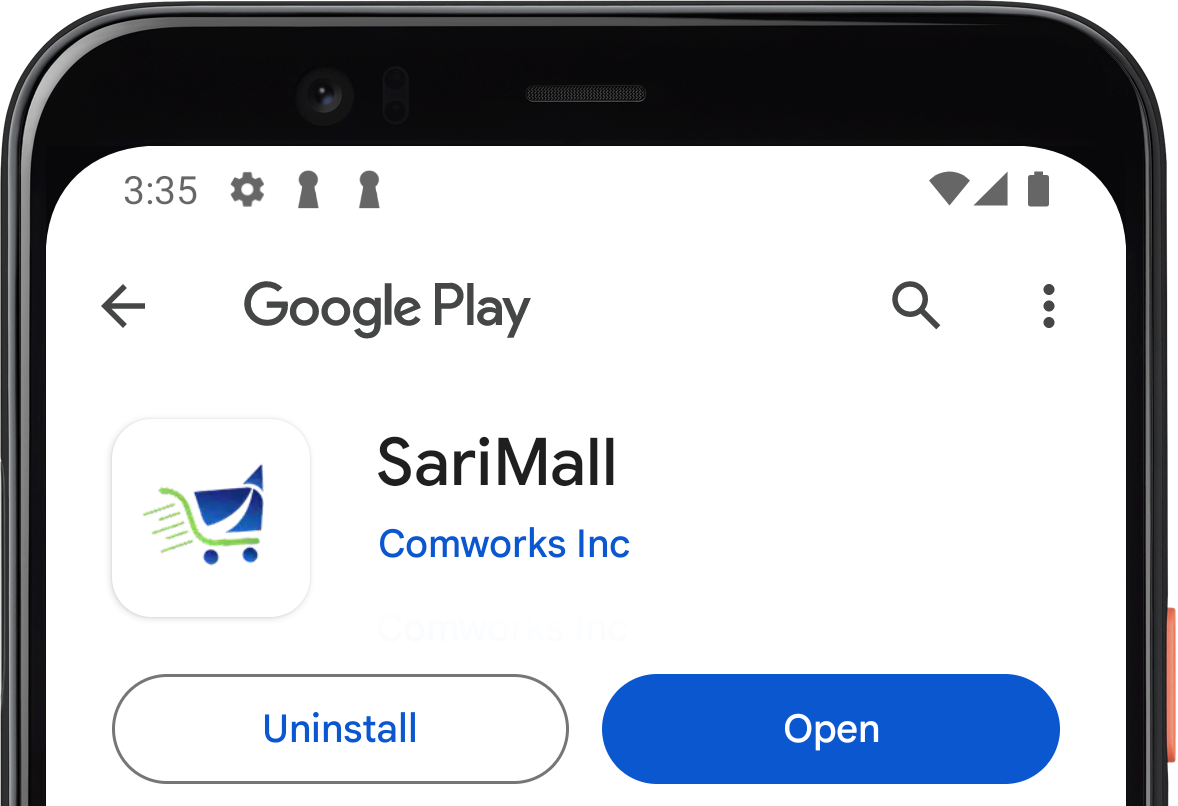
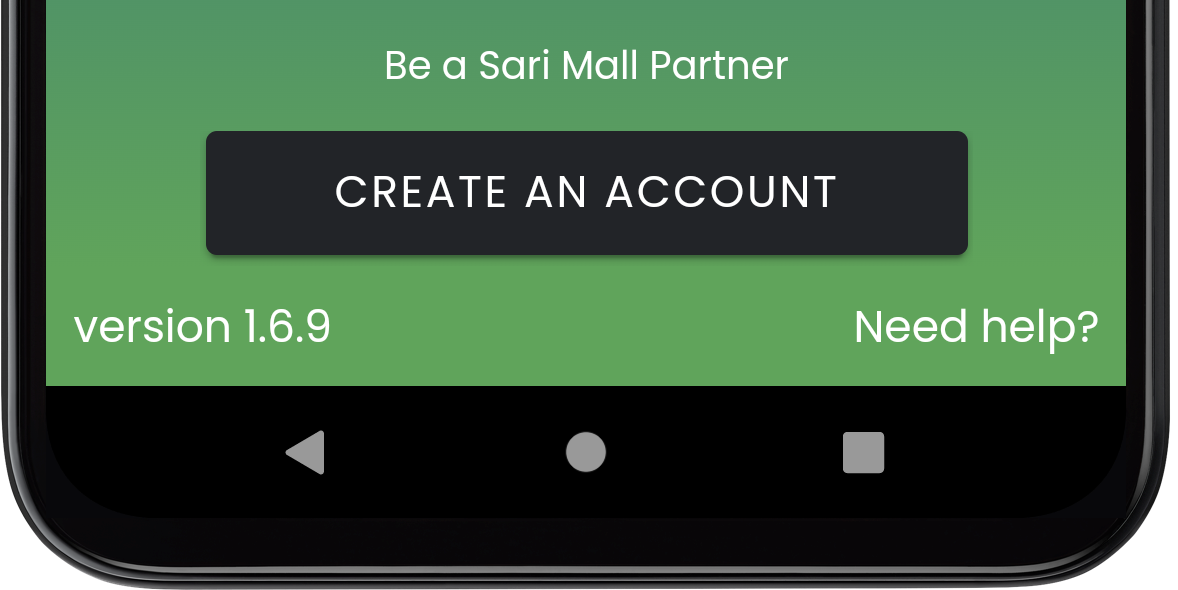
3. Open SariMall app and tap "Create an Account".
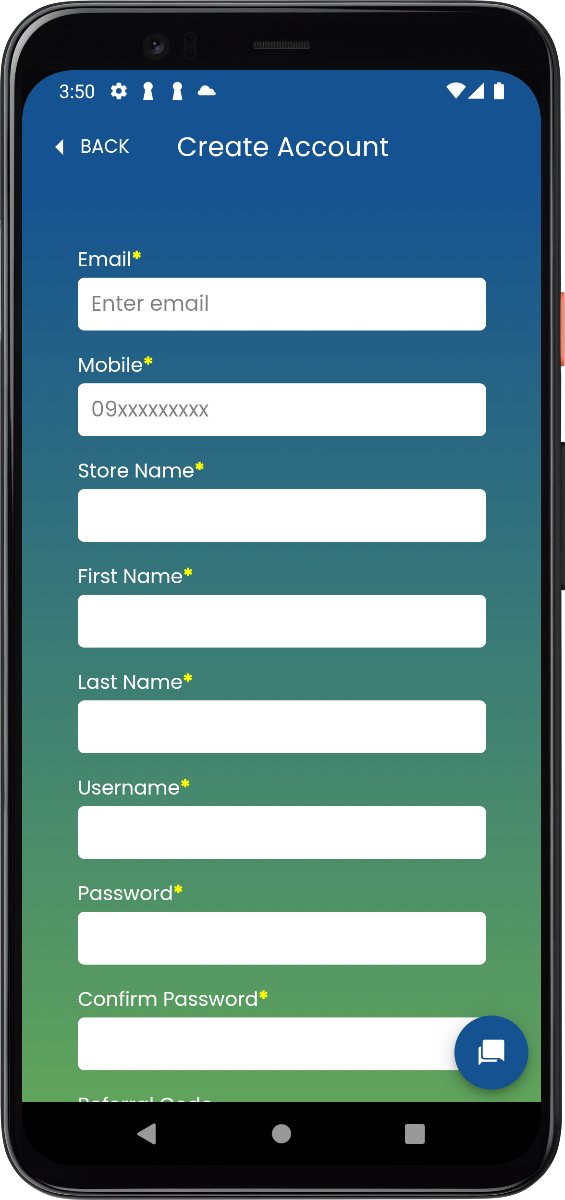
4. Fill in all required personal details and tap "Create Account".
5. Login your credentials and you can now start using SariMall.
Need Help? Visit our Help Center
Comment(s)


